ChatGPTでソースコードを修正してもらう時の書き方
マークダウンも併用しながら次のように指示を書くと良いなと思ったのでメモ。 # 指示 - {ソースコード}のt.getの処理をhttps.getになおしてくださ…
マークダウンも併用しながら次のように指示を書くと良いなと思ったのでメモ。 # 指示 - {ソースコード}のt.getの処理をhttps.getになおしてくださ…
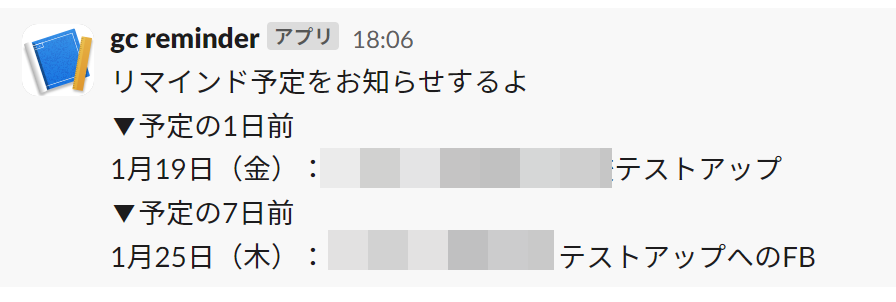
Slackに通知を飛ばしたいスケジュールを登録するGoogleカレンダーを作成する そのGoogleカレンダーの内容を、◯日前にSlackに通知する 上記の内…
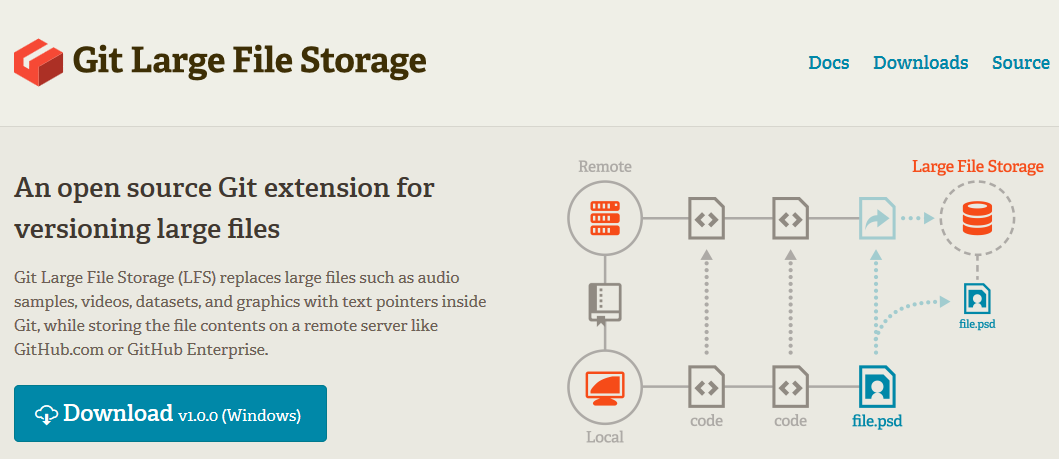
大規模プロジェクトで画像がめちゃくちゃ多い時など、これまでは Git リポジトリが大きくなりすぎてしまうことから画像だけ Git 管理を諦めて Dropbox…
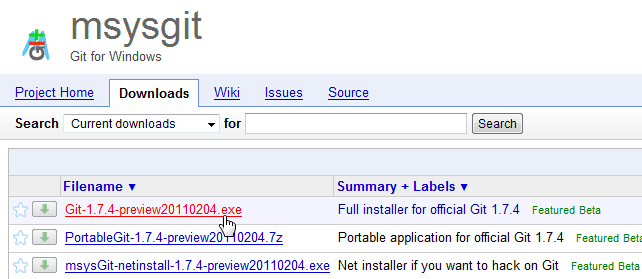
github を Windows で使ってみる という記事を 2008 年に書いたのですが、未だにそこそこ需要もあり見ていただいているようなので 2011 年…
昨年の 9 月から、Nozbe というタスク管理ができるウェブサービスを利用しています。Remember The Milk も、Toodledo も使ってみた…
勢いにのって更新。最近 KeySnail に追加した設定をメモ。 以前、bookmarklet を KeySnail から実行する方法を書きましたが、その方法…
zenback を導入してみました。はてブ、Twitter で言及されていた場合それを表示する+ソーシャルブックマークボタンをつけられます。 zenbackで…
gmail はショートカットが指定されていて、覚えてしまえばキーボードで操作できて便利です。ですがショートカットキーって覚えるまでは毎回「どうだっけ・・」と確…
2011/02/07 追記 Github を Windows で使ってみる 2011 年版 | Numb. を新しく書きました。 --- Your Dashb…
gist.github というちょっとしたソースコードを管理できるサービスを知りました。おーなんてお手軽なんだろう。便利そう。とりあえず _gvimrc ( …